Notes-Viewer
A simple web application to view and manage notes.
Notes Viewer
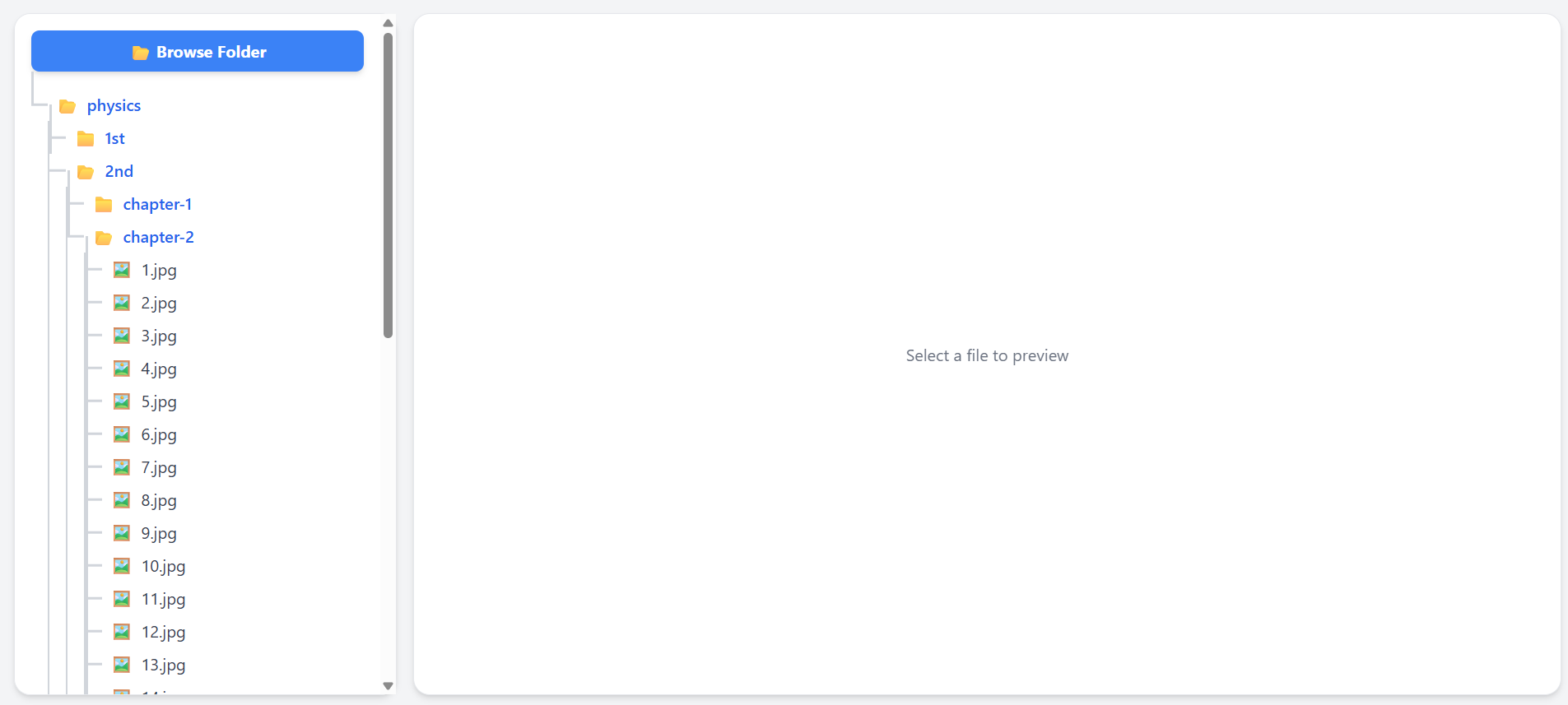
Notes Viewer is a simple and efficient web application for viewing, organizing, and managing your notes. Built with JavaScript and HTML, this project offers a lightweight and user-friendly interface for handling your personal or work-related notes directly from your browser.
Features
- 📄 View and organize notes in a clear, readable format
- 🔍 Search and filter your notes
- 📝 Add, edit, and delete notes (if supported in your implementation)
- 📂 Organize notes by categories or tags
- 🌙 Light and dark modes (customizable depending on your needs)
Getting Started
Prerequisites
- A modern web browser (Chrome, Firefox, Edge, Safari, etc.)
Installation
Clone the repository:
git clone https://github.com/nextSaimon/Notes-Viewer.gitNavigate to the project directory:
cd Notes-ViewerOpen
index.htmlin your browser:- Using the Express server (recommended). If you have an
app.jsfile using Express, start the server:npm install node app.js - OR run a local web server (recommended for some features):
# Using Python 3.x python -m http.server - Double-click
/public/index.html
Then open http://localhost:8000 in your browser.
- Using the Express server (recommended). If you have an
Usage
- View your notes in the main interface.
- Use the search bar to quickly find notes by title or content.
- If editing is supported, click on a note to edit or delete it.
- Organize notes by dragging them into folders or assigning tags (if implemented).
License
This project is open-source and available under the MIT License.