AOS Helper
A Visual Studio Code extension to easily animate elements with AOS (Animate On Scroll) library.
AOS Suggestions VSCode Extension
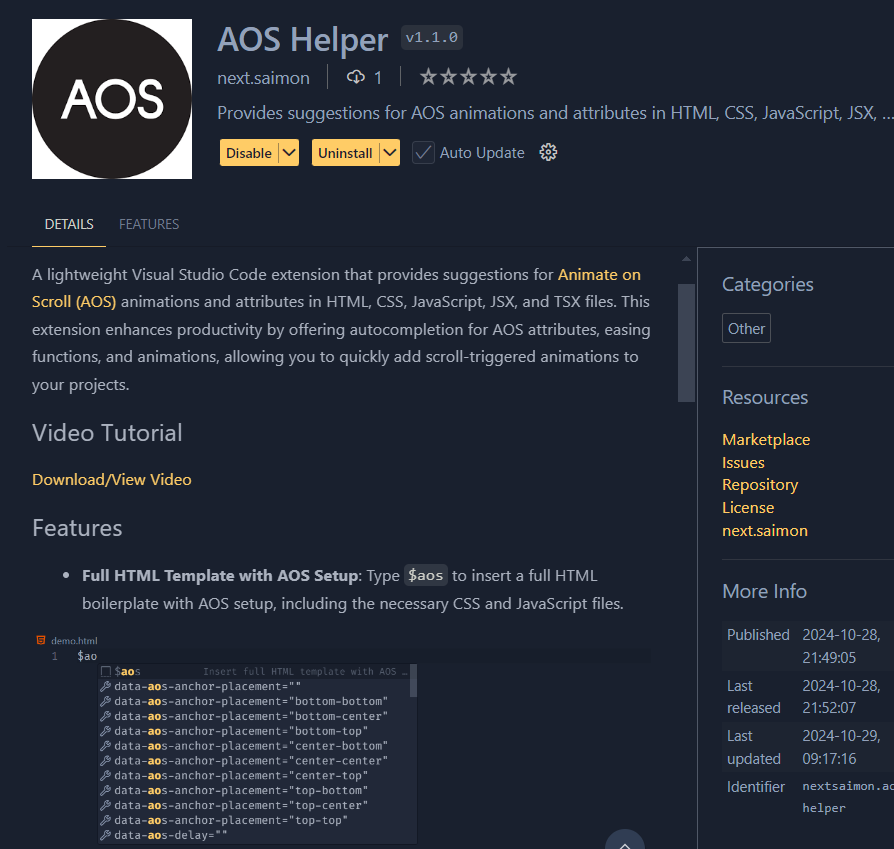
A lightweight Visual Studio Code extension that provides suggestions for Animate on Scroll (AOS) animations and attributes in HTML, CSS, JavaScript, JSX, and TSX files. This extension enhances productivity by offering autocompletion for AOS attributes, easing functions, and animations, allowing you to quickly add scroll-triggered animations to your projects.
Get Extension
You can download the AOS Helper extension from the Visual Studio Marketplace.
Features
Full HTML Template with AOS Setup: Type
$aosto insert a full HTML boilerplate with AOS setup, including the necessary CSS and JavaScript files.Auto-Completion for AOS Animations: Type
fade-....to see a list of AOS animations likedata-aos="fade-up",data-aos="fade-right", etc.Easing Function Suggestions: Type
data-aos-easingoreaseto see a list of easing options likedata-aos-easing="ease",data-aos-easing="linear",data-aos-easing="ease-in-out", and more.Anchor Placement Suggestions: Type
data-aos-anchor-placementorplacementto select anchor placement options likedata-aos-anchor-placement="top-center",data-aos-anchor-placement="center-bottom", etc.
Usage
Full HTML Template:
- Type
$aosto insert a full HTML template with AOS setup:<!DOCTYPE html> <html lang="en"> <head> <meta charset="UTF-8"> <meta name="viewport" content="width=device-width, initial-scale=1.0"> <title>Your Page</title> <!-- AOS CSS --> <link rel="stylesheet" href="https://unpkg.com/aos@next/dist/aos.css" /> </head> <body> <!-- Your content here --> <!-- AOS Script --> <script src="https://unpkg.com/aos@next/dist/aos.js"></script> <script>AOS.init();</script> </body> </html>
- Type
Attribute Suggestions:
- Type
fadeto see animation options such asfade,zoom-in,flip-left, etc. - Type
data-aos-easingto view easing functions likeease,ease-in-out, etc. - Type
data-aos-anchor-placementto select anchor placement options liketop-center,center-bottom, etc.
- Type
Supported AOS Options
Animations
fade,fade-up,fade-down,fade-left,fade-rightslide-up,slide-down,slide-left,slide-rightflip-up,flip-down,flip-left,flip-rightzoom-in,zoom-in-up,zoom-out, and more!
Easing Functions
linear,ease,ease-in,ease-out,ease-in-outease-in-back,ease-out-back,ease-in-out-backease-in-sine,ease-out-sine,ease-in-out-sine
Anchor Placements
top-bottom,top-center,center-center,bottom-top, etc.
License
This project is open-source and available under the MIT License.